
Why My Folders Are Numbered 00 to 99
Translated with the help of AI.
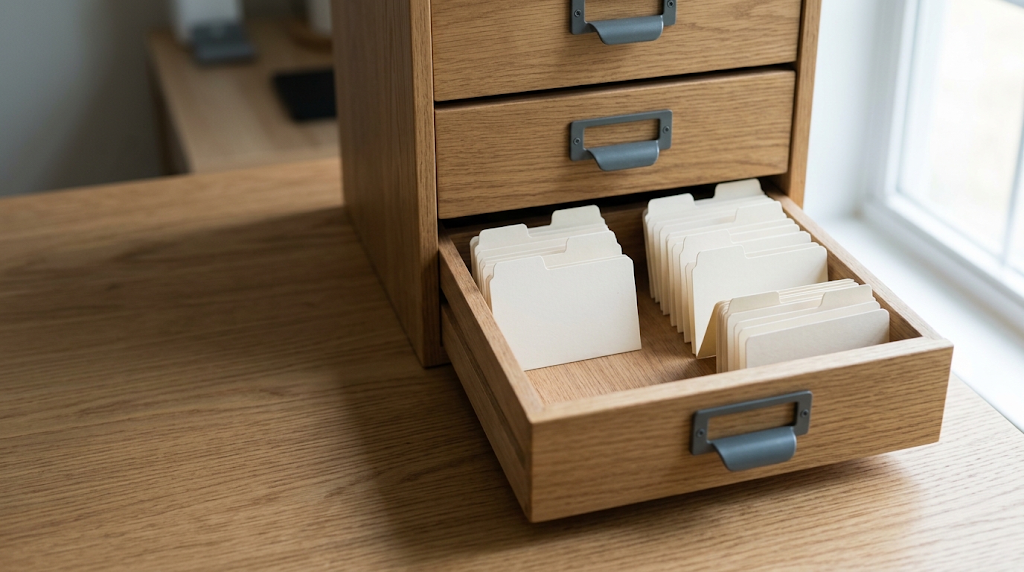
I wrote before about migrating fifteen years of notes. Looking back on it, I felt that building a good habit of collecting information matters more than the tool you collect with. When you collect, get into the habit of thinking first about why you are collecting it, and don’t collect just for the sake of collecting. This post shares another habit worth building when you collect information: the structure of your library. A sensible structure lowers the chance of losing things, and it makes finding them faster.
Who I learned from
Open my notes vault and every folder name starts with a number: 00Hub, 00inbox, 01Family, 02Work, 10Daily, 11Timeline, 50Book, 99Guide, 99Template. Why the numbers? The idea is not mine. Numbering folders comes from the Johnny.Decimal system. It was developed by Johnny Noble, and its aim is to fix messy folder management with a strict number structure. Broadly, it splits folders into Areas, then splits each Area into Categories, then adds a third level of IDs under each Category. Each level is split into at most ten items.
I also took principles from other systems. From the Bullet Journal, I keep layers and categories to three or fewer (though sometimes I need four). From Zettelkasten, I took the way I name the files in Timeline: a date and time is the file’s number, so a text file written on 10 November 2025 starts with “20251110”.
Five years of experience
I was already using the Zettelkasten method in Evernote. Evernote has powerful search, but naming by date let me find what I needed easily. That really showed during the migration.
It was probably only around 2020 to 2021 that I settled on the system I use now:
- 0x: working areas.
00is the entry point (inbox and hub pages);01Family,02Work. - 1x: records.
10Dailyholds daily notes,11Timelineholds records tied to a date. - 5x: records.
50Bookholds everything related to books. - 9x: the system.
99Guiderecords how the vault works;99Templateholds the note templates.
So the number is not decoration. It is the structure of types. When you see 11 on a folder, you already know it holds historical records before you read a single filename.
Why use numbers
“Why use numbers? Isn’t a name enough?”
- Stable order. With names alone, folders sort alphabetically. Daily would come before the working areas, and Template would land in the middle, above Timeline. With numbers, the vault sorts by need in every file browser, on every device: entry point (00) first, areas (0x) next, records (1x) after, system (99) last.
- Stable names. Family and work files have always been
01and02. Stable names take less mental effort, and they cut mistakes every time I tidy up. - Stable structure. The family and work folder names did change, Home to Family and Office to Work. But what the areas hold did not change, so they kept
01and02. The folders changed their name, not their number, so the structure stayed.
Five years of change
What stayed: the basic structure of the library, and the principle of keeping each level to about three or four folders.
What failed:
- The
00Masterboard. I once used it as the one file inside the vault to run all my tasks. It stopped working as my task tools kept changing. Notes and task management really are different tools. - The backup vault. I once set up 12Archive and cleared the working areas into the “1x records” level every year. Spending time tidying up matters less than building good storage habits.
My suggestions
Number the kinds, not the topics. Sort the files your life needs into types (working areas, records, system). Leave gaps. My 2x, 3x, 4x, 6x, 7x, 8x are still unused, so if I ever need them I won’t have to change the existing structure. Write the system down inside the system itself (99Guide), because in five years you won’t remember why 11 is 11. I only remembered these naming rules by going back to that note.